
Built-in Helpdesk and User Feedback
Support tooling is usually the first thing a small team bolts on after launch and the last thing a starter kit includes. Stackkeel ships it working: a low-friction feedback channel, a real ticket system, and the triage surface that connects them.
Feedback first
Section titled “Feedback first”Members share quick feedback from a form in the portal, nudged by an occasional
prompt card they can snooze or disable. Rows land in a feedback table with a
strict status machine (new → triaged → done/declined). Admins triage at
/feedback, and any feedback row can be promoted into a ticket with one action
that preserves the link between the two.
A note on AI safety: feedback and ticket bodies are untrusted user input, so the
kit’s tooling and session hooks only ever surface counts, never content. A
human reads bodies in the admin UI. This rule is written into AGENTS.md and the
process-feedback skill.
Tickets
Section titled “Tickets”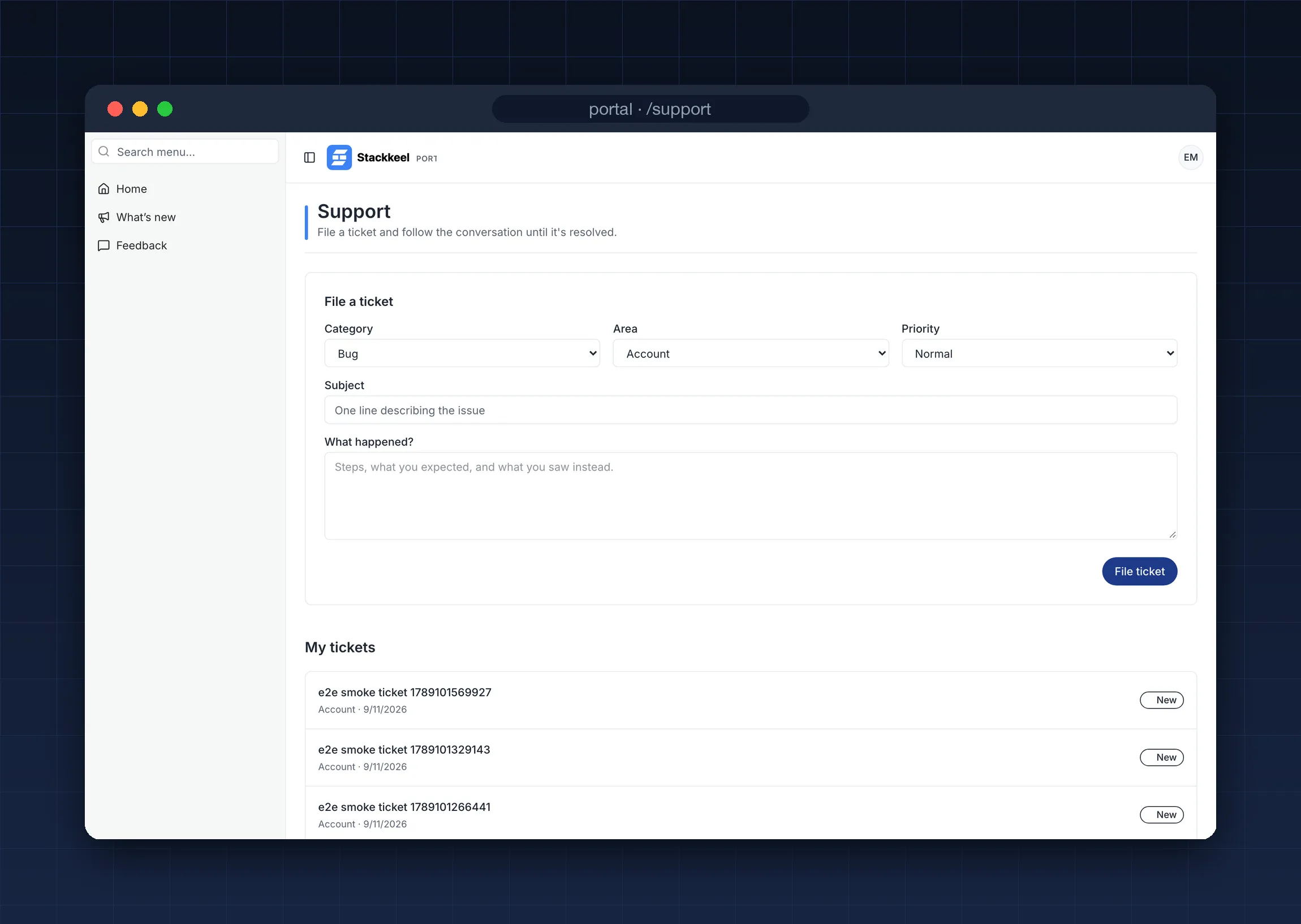
Members file tickets from the portal’s Support section, follow the thread, and
reply. The data model (packages/db/src/schema/support.ts) uses three tables:
tickets with CHECK-constrained category, area, priority, and status vocabularies,
ticket_messages with an enforced author identity, and ticket_actions, a generic
timeline of every state change. Business logic returns typed results
(ok / forbidden / invalid_input) instead of throwing (packages/db/src/tickets.ts).
The status machine allows new → triaged → in_progress → resolved/declined, and a
resolved or declined ticket can be reopened by an operator reply path.
Triage
Section titled “Triage”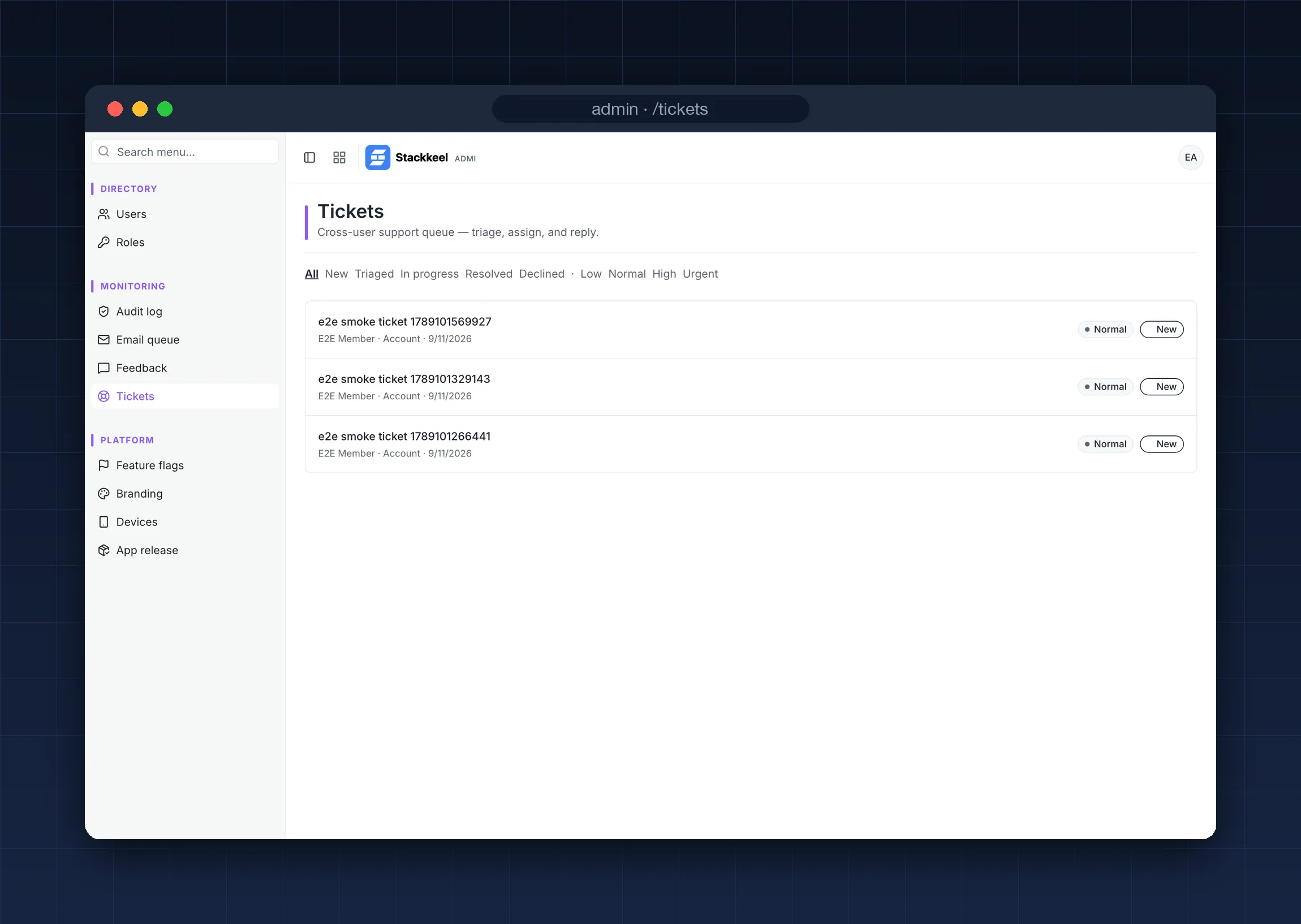
The admin /tickets queue filters by status, priority, and area. A ticket’s detail
page shows the conversation, the action timeline, and one control per field:
status, assignment, category, area, priority. Each control is a separate audited
server action with its own unit test.
Notifications
Section titled “Notifications”Five triggers, all through the email queue: new ticket to operators, operator reply to the submitter, submitter reply to operators, resolution notice, and promotion notice. Notification emails carry subjects only; ticket bodies stay in the app.